# Announcements

Announcements are a way for admins to share important information with the entire community. Announcements accomplish the same thing as sending a mass email — and everyone will get a copy of the announcement via email! — but they are less ephemeral because they'll continue to exist on the community website.

## Viewing announcements

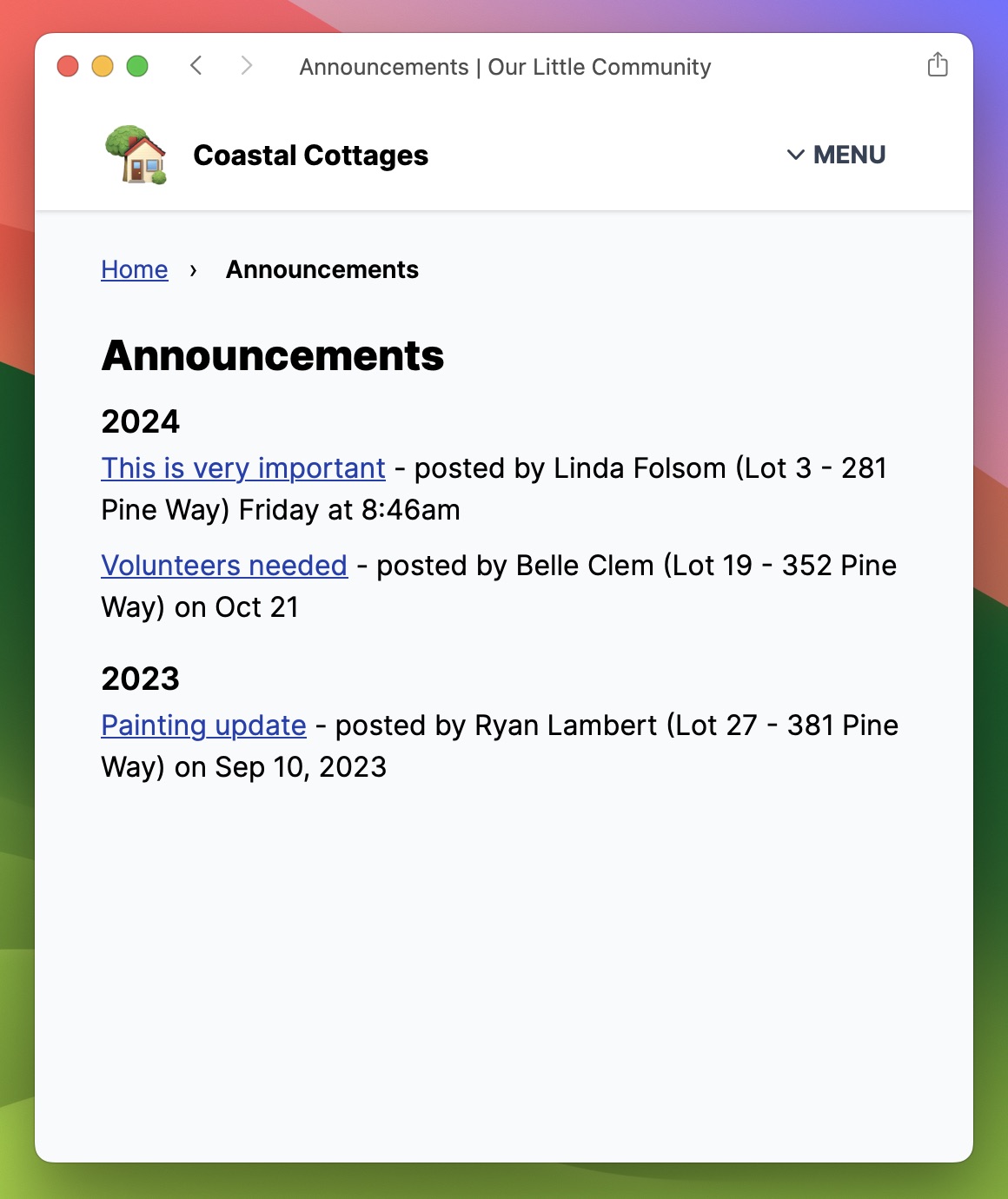
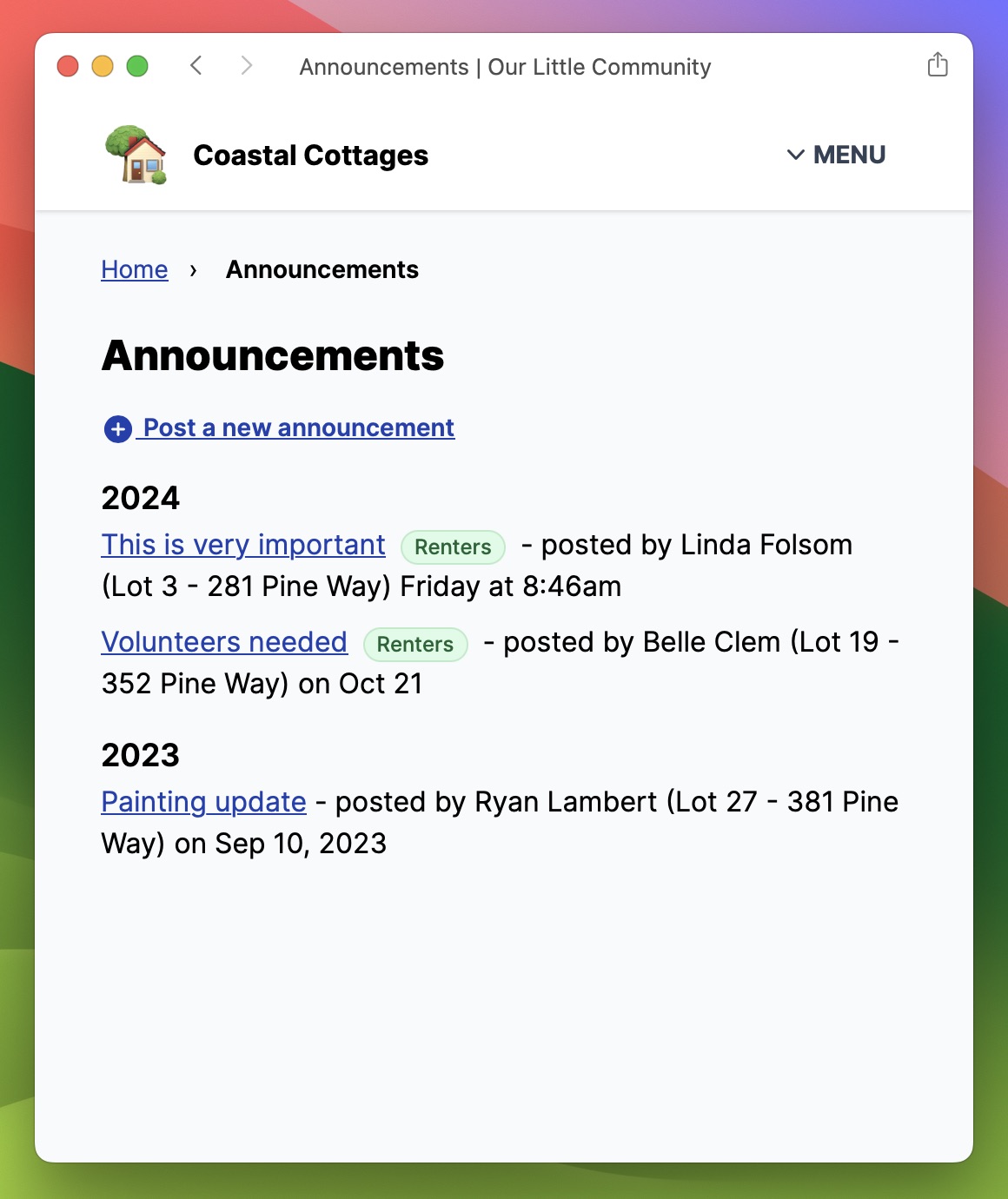
All announcements are listed in chronological order, with the most recent announcement first.

{% tabs %}
{% tab title="Homeowner’s view" %}

<figure><img src="https://3997071349-files.gitbook.io/~/files/v0/b/gitbook-x-prod.appspot.com/o/spaces%2FmTV2H2KjyHbikm6KoAxh%2Fuploads%2Fgit-blob-1219e19e0ddee24e87abb4a91847a6b9bbcc0474%2Fannouncements-index.jpeg?alt=media" alt=""><figcaption><p>A homeowner's view of all the announcements</p></figcaption></figure>
{% endtab %}

{% tab title="Admin’s view" %}

<figure><img src="https://3997071349-files.gitbook.io/~/files/v0/b/gitbook-x-prod.appspot.com/o/spaces%2FmTV2H2KjyHbikm6KoAxh%2Fuploads%2Fgit-blob-26e4c39324c6cc0867a8257a52ad180de1d961fc%2Fannouncements-index-admin.jpeg?alt=media" alt=""><figcaption><p>An admin's view of all the announcements, including an indicator of which announcements are visible to renters</p></figcaption></figure>
{% endtab %}
{% endtabs %}

## Posting an announcement

Admins can post new announcements to the community. By default announcements are visible to all homeowners. But they can also be made available to renters. A copy of the announcement will be emailed to everyone in the community as well.
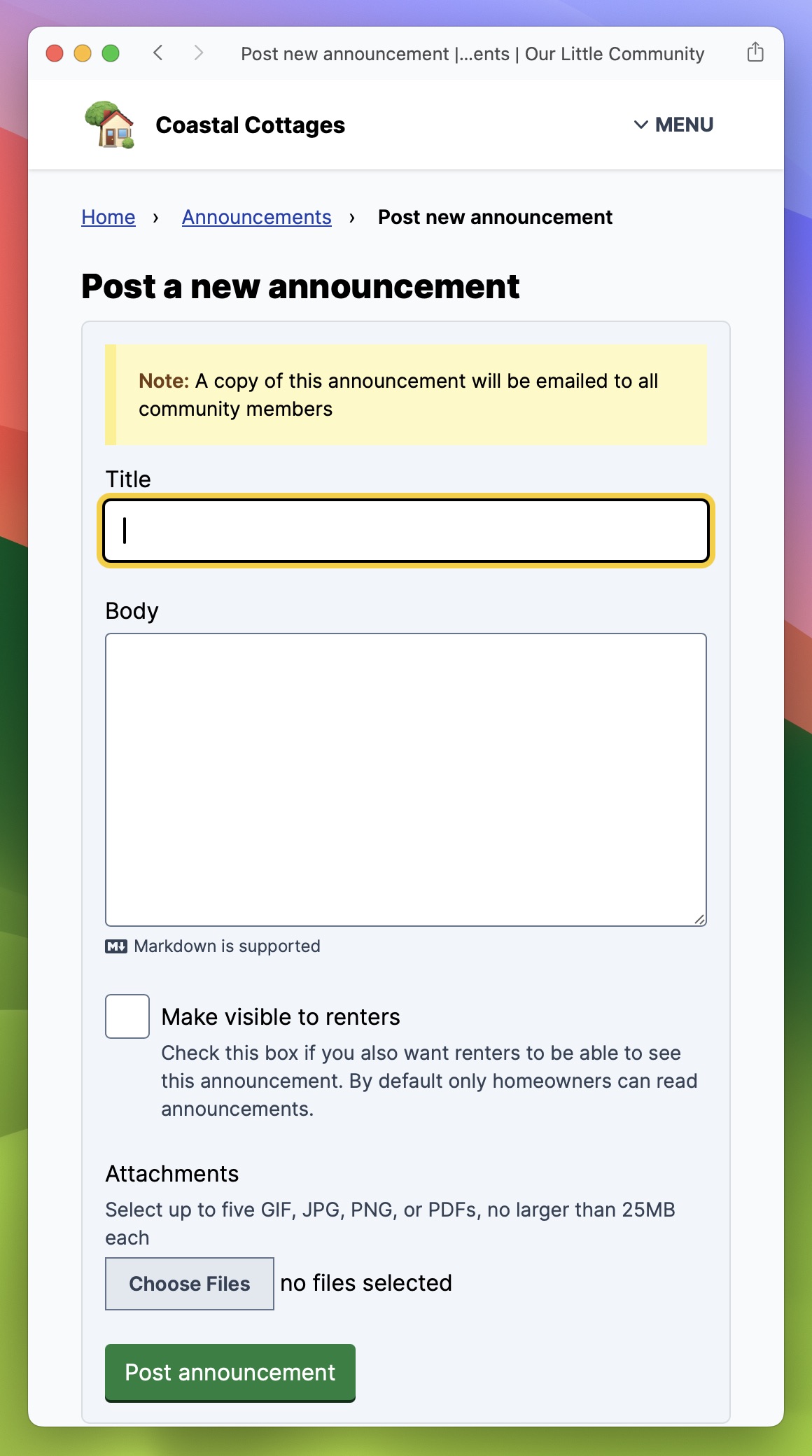
<figure><img src="https://3997071349-files.gitbook.io/~/files/v0/b/gitbook-x-prod.appspot.com/o/spaces%2FmTV2H2KjyHbikm6KoAxh%2Fuploads%2Fgit-blob-516faa21620a851a789f451520c601db0d7b5373%2Fannouncements-new.jpeg?alt=media" alt=""><figcaption><p>Creating a new announcement</p></figcaption></figure>


---

# Agent Instructions: Querying This Documentation

If you need additional information that is not directly available in this page, you can query the documentation dynamically by asking a question.

Perform an HTTP GET request on the current page URL with the `ask` query parameter:

```
GET https://guide.ourlittlecommunity.org/features/announcements.md?ask=<question>
```

The question should be specific, self-contained, and written in natural language.
The response will contain a direct answer to the question and relevant excerpts and sources from the documentation.

Use this mechanism when the answer is not explicitly present in the current page, you need clarification or additional context, or you want to retrieve related documentation sections.